
What is a Storyboard?
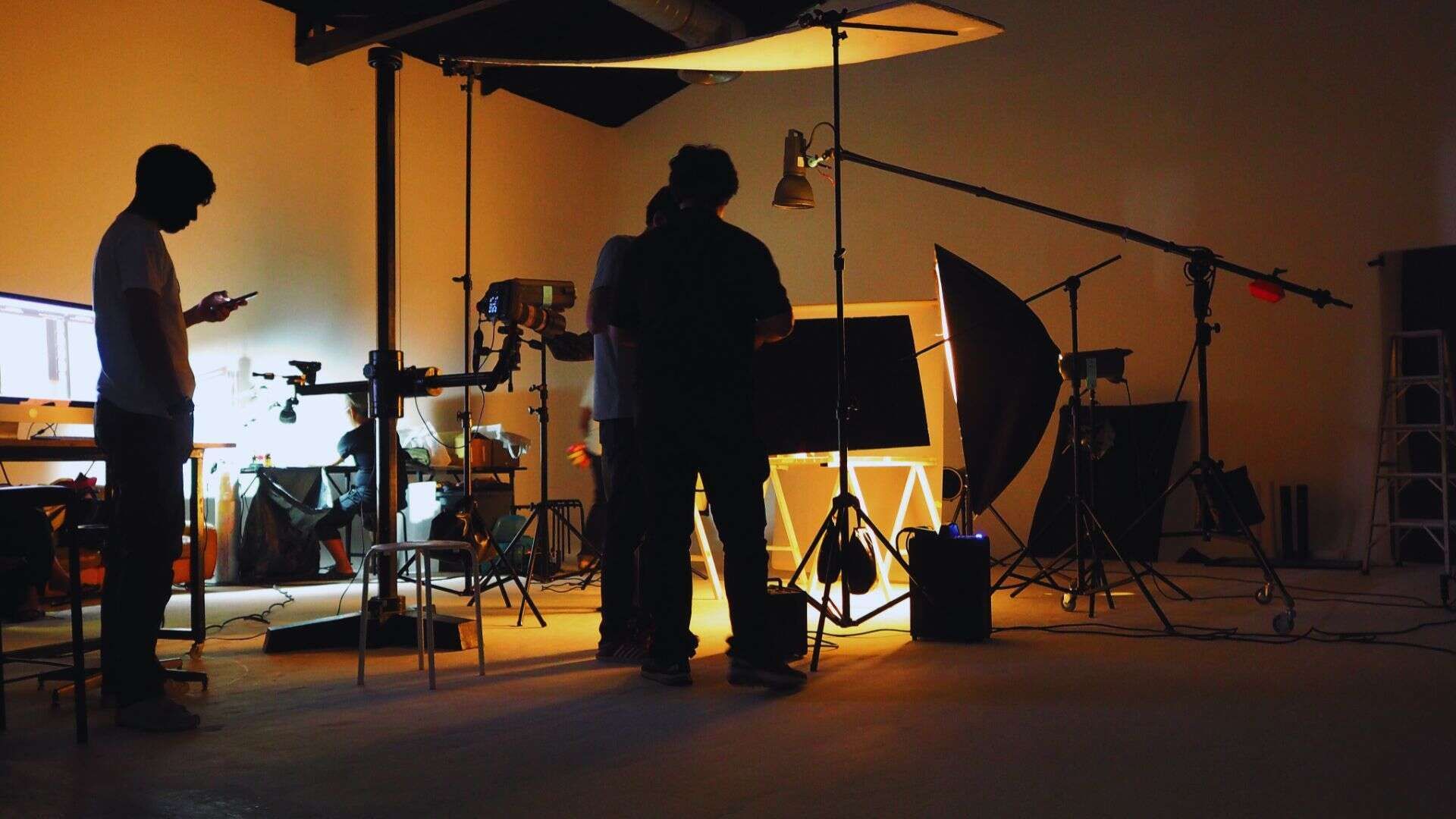
A storyboard is the drawing of your video before you shoot it. Scene by scene, frame by frame, it shows what will be on screen and roughly how it will look, so everyone walks onto set already agreeing on the film they are about to make.
It sounds like a formality. It is the opposite. The storyboard is where the expensive mistakes get caught, on paper, where they cost nothing to fix, instead of on a shoot day where they cost a crew and a location. For any brand producing video with more than one person in the room, it is the difference between a shoot that runs to plan and one that gets figured out as it goes.
The basics of a storyboard
What a storyboard is actually for
Think of a storyboard as a visual script. The script says what happens. The storyboard shows it: the shot, the framing, the movement, the feeling. Its real job is not to be pretty. It is to get everyone, the director, the client, the crew, the editor, looking at the same film in their heads before a single frame is captured.
That shared picture is what saves the money. It surfaces the disagreement about the opening shot in a meeting, not on location. It tells the crew exactly what to capture, so nothing gets missed and no one shoots hours of footage nobody needed.
What goes into one
A useful storyboard frame carries four things: a sketch of the shot, the camera framing and any movement, a line of what is happening, and a note on audio or timing. It does not need to be art. Stick figures with clear notes beat beautiful drawings that leave the plan vague.
Types of storyboards
Hand-drawn
Pencil and paper, or a tablet. Fast, cheap, and perfect for early thinking, when the point is to work the idea out, not to present it. Most storyboards start here.
Digital
Built in dedicated software, cleaner and easier to share, revise and hand to a client or a crew across markets. When more than one stakeholder needs to sign off, digital saves the back-and-forth.
Animatics
The next step up: the storyboard frames edited together in sequence with rough timing and sound. An animatic shows pacing, which static frames cannot. For anything where rhythm matters, an ad, a title sequence, a complex explainer, it is worth the extra step.
How to create a storyboard
Step 1. Read the script for shots, not words
Go through the script and mark where the picture changes. Every shift in location, subject or moment is a potential frame. You are translating writing into pictures.
Step 2. Break it into scenes
Group the shots into scenes and decide what each one has to achieve. One clear purpose per scene keeps the film moving and stops the storyboard sprawling.
Step 3. Sketch the frames
Draw each key shot. Keep it rough. The goal is a clear read of composition and camera position, not a finished illustration.
Step 4. Annotate
Add the camera movement, the framing, the dialogue or action, and any audio cue. The notes are half the value; a sketch without them leaves too much open to interpretation on the day.
Step 5. Review and lock it
Walk the whole thing through with the people who matter, refine, and lock it before the shoot. A storyboard everyone has signed off on is a shoot with no surprises.
Storyboarding across industries
Film and television
Where storyboarding is oldest and most detailed. Complex sequences and effects shots are planned frame by frame long before the camera rolls, because reshooting them is ruinous.
Advertising
Every second counts and the client has to approve the idea before the budget goes out the door. The storyboard is how an agency and a brand agree on the ad before anyone pays to make it.
Corporate and educational video
The most underrated use. For training, internal comms and explainers, a storyboard keeps a multi-stakeholder project on the rails and stops the endless revision rounds that come from people picturing different things.
Common mistakes
Over-drawing. Spending hours making frames beautiful when the point is clarity. Rough and clear beats polished and vague every time.
Forgetting the camera. A frame that ignores movement, whether the camera pushes in, pans or holds, tells the crew half the story. Note it.
Losing the audience. Storyboard for the person who will watch the finished video, not for the person drawing it. Every frame should earn its place for them.
Skipping the sign-off. The whole value is shared agreement. Get feedback early, while changes are still just an eraser.
Why every production needs one
A storyboard is cheap insurance on an expensive day. It aligns the team, catches the problems early, tells the crew exactly what to get, and gives the editor a plan to cut to. Skip it and you pay for that clarity later, in reshoots, in revisions, in footage that never gets used.
It is also where a production system earns its keep. When the same team storyboards, shoots and edits your work, the plan carries all the way through, and the brand knowledge from the last project makes the next storyboard faster to build.
Planning a video worth storyboarding?
That is what we do. yourfilm plans, films and finishes video on one connected platform, with crews who work to the same standard wherever you shoot. If you have a project in mind, tell us what you are building.